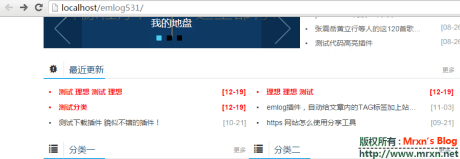
判断首页函数的方法下(ps:测试5.3.1版本正常使用)
1、在模版文件module.php最低部加入如下代码
<pre style="overflow:auto" ;class="prettyprint lang-php linenums"><?php //判断是否是首页
function blog_tool_ishome(){if (BLOG_URL . trim(Dispatcher::setPath(), '/') == BLOG_URL){ return true; } else { return FALSE;}}?>
2、判断方法示例
<pre style="overflow:auto" ;class="prettyprint lang-php linenums"><?php if (blog_tool_ishome()) :?>加载的文件代码<?php endif; ?>
如果在首页不需要加载日志列表部分。则应用如下:
<pre style="overflow:auto" ;class="prettyprint lang-php linenums"><?php if (blog_tool_ishome()) :?>
<?php include View::getView('index');?>
<?php else:?>
加载日志列表部分
<?php endif;?>